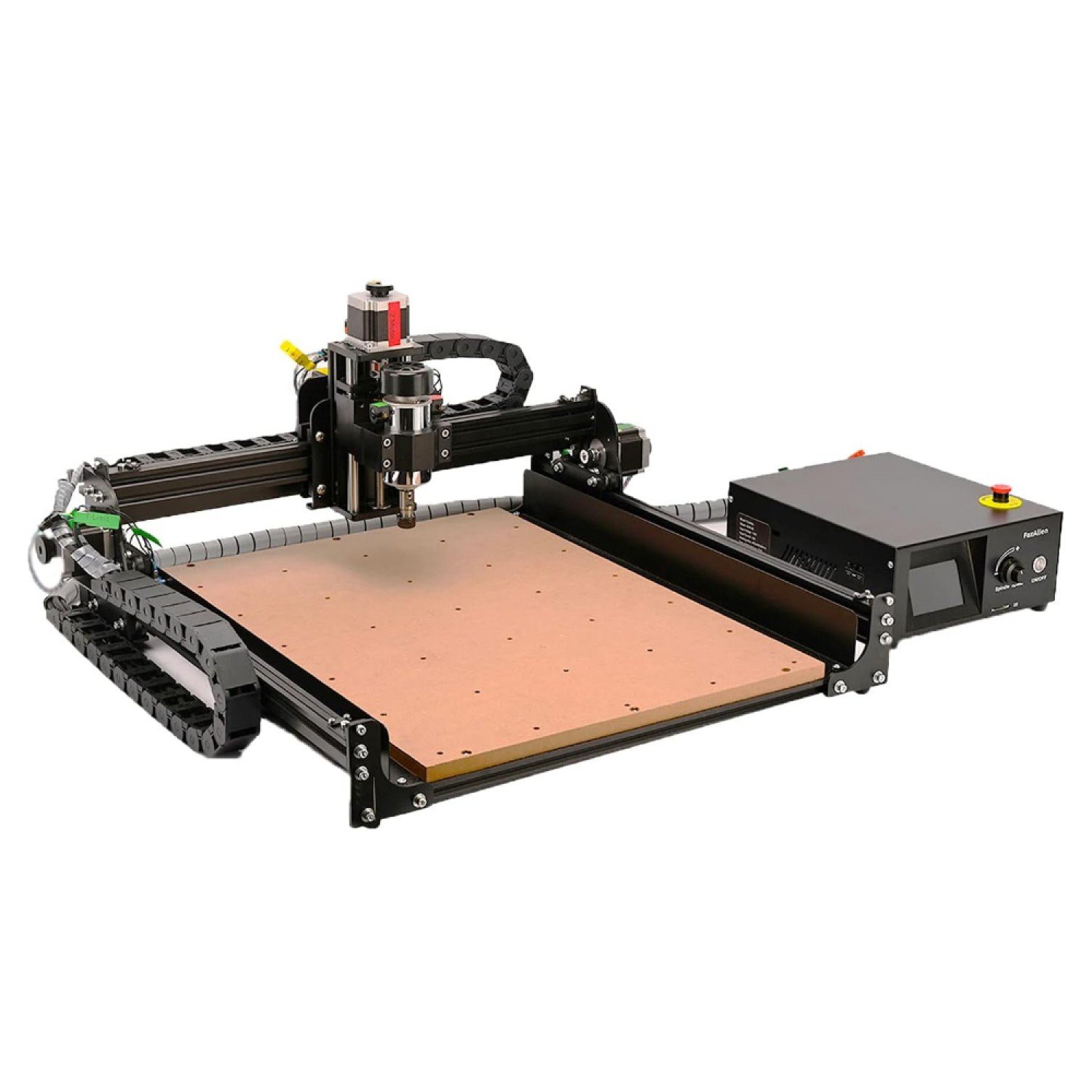
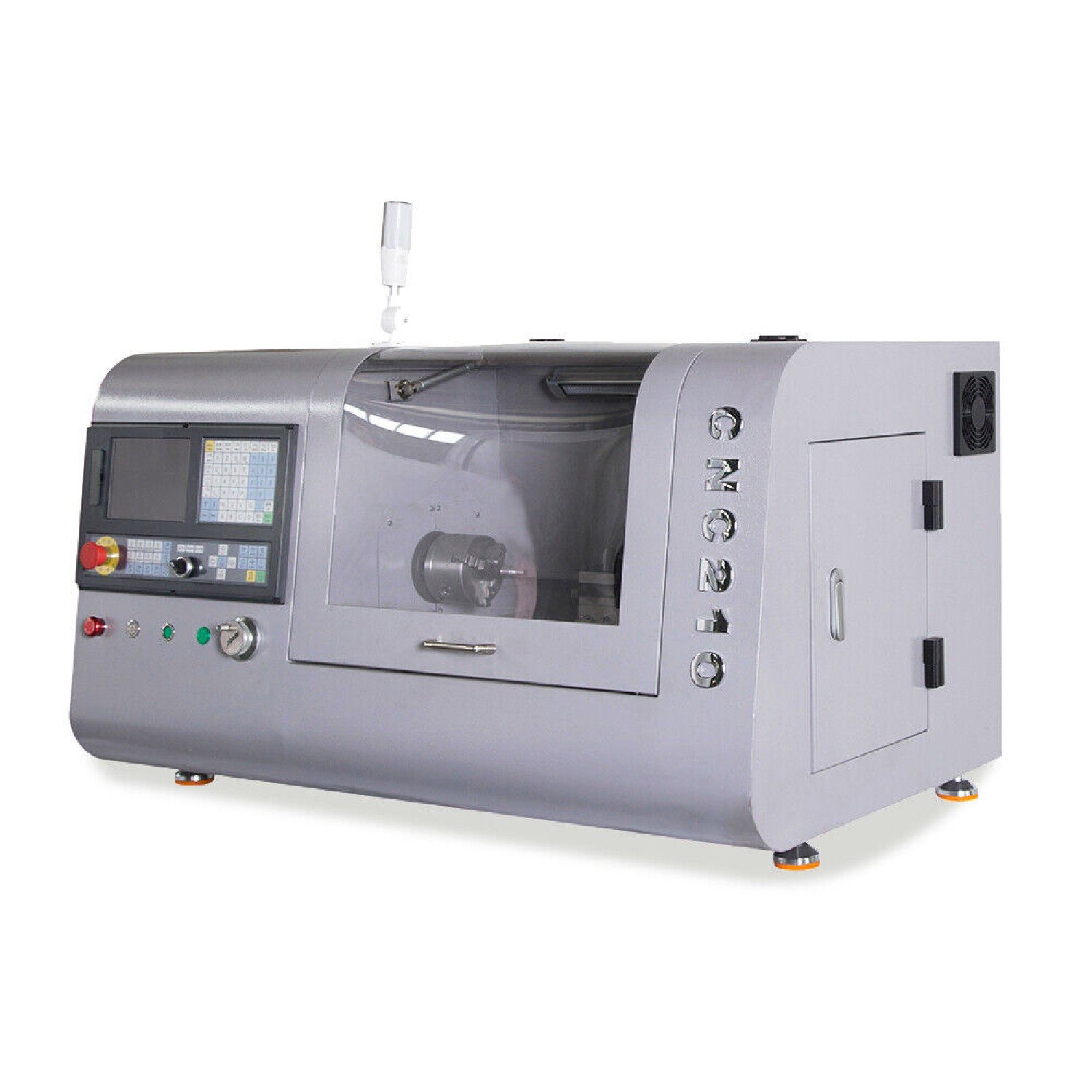
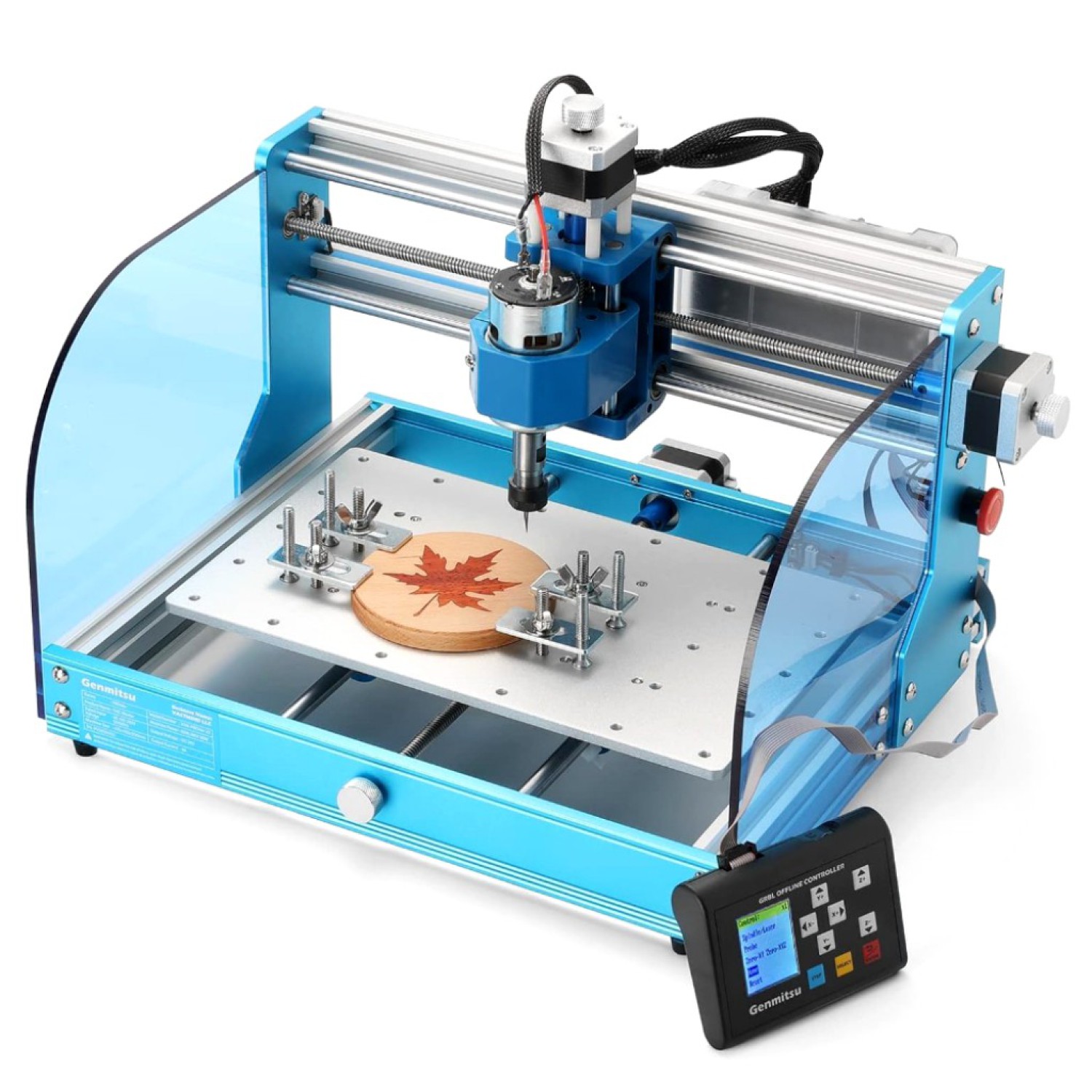
⚠️ Avoid bad GCode files (and wasted material)
Looking for free GCode files for your CNC router?
Most free CNC files online:
- break bits
- waste wood
- or simply don’t work
Here’s how to avoid that — and use designs that actually cut clean.
→ See CNC projects that actually sell
→ Explore tested CNC files
If your goal is:
- Learning → free GCode is fine
- Selling products → clean source files work better
- Scaling production → optimized toolpaths become critical
Here’s the issue:
Most free GCode files are never tested on real machines.
So you end up with:
- broken toolpaths
- incorrect feed rates
- inconsistent results
Serious makers don’t rely on random downloads.
They use clean, tested CNC designs built for real machines.
In this guide, we’ll cover:
- Where to find free GCode files that actually work
- How to validate them before cutting
- When to use GCode vs CNC source files (a critical distinction for serious makers)
Remember, CNC isn’t just about making things — it’s about making products people are willing to pay for.
💡 Why Use Free GCode Files?
Free GCode files are useful — but only if they’re clean, tested, and compatible with your machine.
For hobby CNC users (like LongMill, Shapeoko, Genmitsu, etc.), they are a powerful way to:
- Learn toolpaths faster
- Test machine calibration
- Prototype products without design overhead
Key Benefits
Cost Efficiency
Start cutting projects without paying for custom CAM work.
Rapid Prototyping
Quickly test materials, feeds, and tool strategies.
Creative Exploration
Experiment with new CNC ideas without committing to a full design workflow.
💡 Pro insight (maker-level):
Free GCode is great for testing — but scalable CNC businesses usually rely on clean source files, not just raw GCode.
Where people find free GCode files 🏆
1️⃣ Agilemaking’s Free CNC Files Collection
Unlike random repositories full of broken toolpaths, Agilemaking focuses on machine-tested CNC files built for real makers, hobby routers, and small workshops.
Instead of flooding users with low-quality downloads, we provide a curated selection of free CNC files as a real sample of our workflow quality — while the full library includes premium, production-ready designs optimized for Fusion 360, DXF, STL, and CNC routing workflows.
Why this matters for makers:
- Clean geometry (no broken toolpaths or unexpected jumps)
- Editable Fusion 360 (F3D) source files included
- Real-world tested designs, not theoretical CAD experiments
- Files optimized for hobby CNC routers and GRBL setups
- Most free CNC files fail because they are not tested.
👉 Explore CNC Files (Free samples + Premium production-ready designs)
🛠️Get 3 CNC files to test real cuts
Instead of random downloads, start with designs that actually work:
- Koala Tray
- Heart Box
- Flower Plate
Each includes F3D, DXF, STL, and clean geometry.
These are the same types of designs makers use to build sellable products.
👉 Access your free CNC files (instant download after email signup)
No spam. No junk toolpaths. Just real designs you can cut, customize, and sell.
2️⃣ GitHub – Open CNC Projects
A surprising amount of CNC GCode is shared in open-source repositories. Just like GitHub.
Pros:
- Free and open access
- Includes project documentation sometimes
Cons:
- Extremely inconsistent quality
- Often requires manual CAM adjustments
Best for: advanced users comfortable editing GCode.
3️⃣ GRBL Community Projects
If you run GRBL (Genmitsu, 3018, LongMill), this is a useful ecosystem.
Pros:
- GRBL-optimized toolpaths
- Hobby machine friendly
Cons:
- Not always optimized for rigidity or material differences
4️⃣ CNC Forums (CNCZone & Similar)
Forums can be gold mines for niche projects.
Pros:
- Real user-tested projects
- Feedback and troubleshooting threads
Cons:
- Zero standardization
- Many outdated files
🚀 How to Check a GCode File Before You Cut (Critical Step)
Most CNC failures don’t come from the machine.
They come from bad toolpaths.
1. Visualize the Toolpath First
Always open the file in:
- CAMotics
- CNC Simulator
- Fusion 360 (Manufacture workspace)
Look for:
- Sudden Z plunges
- Unnecessary rapid moves
- Toolpath gaps
Bad preview = bad cut. Always.
2. Run a Test on Scrap Material
Never trust a free GCode file blindly.
Professional workflow:
- Dry run (air cut)
- Scrap material test
- Final material cut
This alone can reduce material waste by 70%+.
3. Verify Feed Rates & Spindle Speeds
Even a good GCode file can fail if:
- Feed rate is too aggressive
- Spindle RPM mismatches your bit
- Depth per pass is unrealistic
Pro tip:
Many free files are generated for different machines than yours.
🧠 Real CNC Insight: GCode vs CNC Source Files
Here’s something most beginner blogs won’t tell you:
GCode is the final output — not the flexible file.
If you only download GCode:
- You can’t easily change dimensions
- You can’t adjust tool strategy properly
- You’re locked into someone else’s machine logic
That’s why serious makers prefer:
- F3D (Fusion 360)
- DXF
- STL
Then generate their own optimized toolpaths.
⚠️ Real-Life Scenario: The “Bad GCode Disaster”
You download a free file.
You press start.
The bit plunges at full depth instantly.
Result:
- Broken bit
- Burned wood
- Ruined stock
- Lost time
How professionals avoid this:
- Simulation first
- Feed rate review
- Dry run without material
- CAM regeneration if needed
Test free files first.
Then scale with the CNC Starter Pack for production-ready designs.
👉 Explore the CNC Starter Pack
🔗 When Free GCode Is NOT the Best Option
Free GCode is NOT ideal when:
- You plan to sell CNC products
- You need repeatable production
- You want clean finishes
- You use different tool sizes regularly
In those cases, using clean, editable CNC files is significantly more efficient.
👉 Explore: clean CNC files instead of raw GCode
💬 Final Thoughts
Free GCode files can be a great starting point — but only if they are clean, tested, and compatible with your CNC setup.
What should you do now?
- If you’re just starting → test free GCode files
- If your cuts are already consistent → start building products
- If you want to scale → use optimized CNC designs
If you’re ready to move from experimenting to earning, read our guide on 👉 how to make money with CNC machines to discover practical, proven ways to turn your router into a real revenue stream.
Need a Fast Track?
→ See CNC projects that actually sell
→ Explore CNC file bundles designed for real cuts
Stop fixing broken files. Start building products.